Use the library inside Claude.
The AI Creator Library MCP server connects the whole library to Claude. Add one connector URL to Claude or Claude Code, sign in, and ask in plain English: Claude finds the right editing style, pulls the full prompt and installs or updates the skill for you. It comes with the paid plans and opens together with checkout.
Included in Monthly and Lifetime. Opens together with checkout.
How does MCP work?
Claude Example
Which editing style fits a 60-second fitness tip?
From AI Creator Library, these three suit a short talking-head tip:
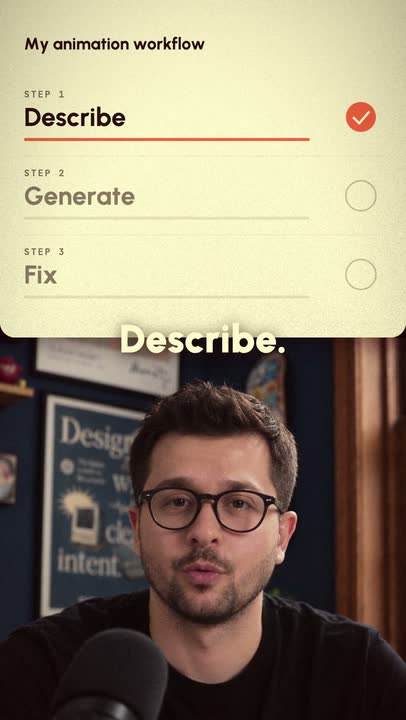 Personal ReelsFast cuts, your own B-roll, one-word captions.
 Business ReelsFull screen, split screen and full-screen animation, switching on every cut.
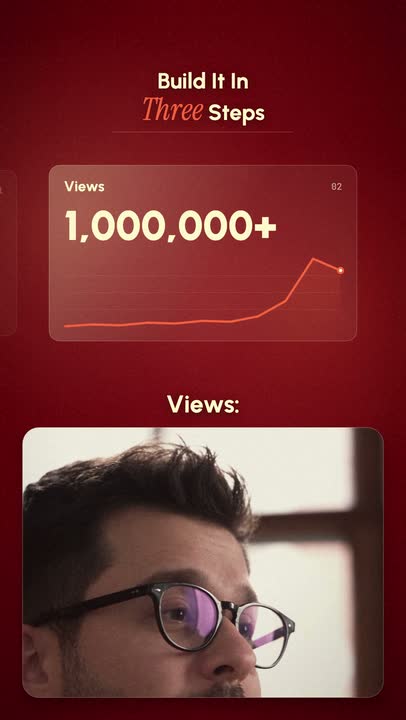 Glass ExplainerThe panel edit with glass cards, counters and drawn graphs.
Want me to install one and edit your video?
Install Glass Explainer and edit my_video.mp4.
- Installed
glass-explainerin.claude/skills/ - Wrote a plan for your video
- Edited it and checked it frame by frame
- Saved
Export/my_video.mp4
Get the Orbit effect prompt and fill in my three lines.
Here is the Orbit prompt (free) with your lines filled in:
# Orbit: cards that circle you in 3D
Cards: [your three lines]
…
Shall I run it on my_video.mp4?
Connect in three steps.
- 01
Pick a paid plan
Monthly and Lifetime both include MCP.
- 02
Copy your connector URL
It is in your dashboard after checkout, one per account.
- 03
Add it to Claude
In Claude, open Settings → Connectors and add a custom connector. In Claude Code, run:
claude mcp add --transport http aicreatorlibrary <your URL>
Questions
What is MCP?
MCP, the Model Context Protocol, is the open standard Claude uses to connect to outside tools and data. A connector tells Claude what a service can do; Claude then calls it when your request needs it.
What can Claude do with AI Creator Library through MCP?
Search every AI Video Effect, AI Motion Graphic, AI Creator Concept and free effect; pull the full prompt it needs; and install or update an editing skill in your project, so you do not have to download and unzip it yourself.
Which apps can I connect?
Claude on the web and in the desktop app, through a custom connector, and Claude Code, through one command. Your Claude plan needs to support custom connectors.
Do I need a paid plan?
Yes. Both paid plans include MCP. On Monthly you can open 5 skills or prompts a day, and pulls through MCP count together with copies and downloads on the website. Lifetime has no daily limit.
Is my video sent to AI Creator Library?
No. The connector only sends library content, the prompts and skills, to Claude. Your footage stays on your computer, and the editing skills run there too.
When can I connect?
When checkout opens. Until then, every free video effect works by copy and paste, with no sign-up.